My Design System & Framework
More than just a design process, a complete framework to keep things organized in a flexible and dynamic way.
Despite working at a very large firm, with over 10K employees located all over the world, I’m a Design Team of One, responsible for 2 products of the company.
Hitachi has a fast-paced environment with constant design changes and new requirements coming in.
Problem
Inconsistent use of components and lack of documentation. No flexible system to record and implement improvements.
Delivered
Delivered an organization system that suits the different needs of the team and adapts easily to incoming changes.
Company
Hitachi Rail
Role
Product Designer
Timeline
Mar 24 - Apr 25
Why?
A system will help us streamline the process and save time in the long run.
Our Figma is the source of truth for multiple stakeholders.
💻
Development team
Guide to code the mockups
📋
QA team
Guide for the documentation and to see prototypes
📈
Managers & other roles
Readily available for showcases
Solution
A basic design system was not enough. We needed a complete solution for mockups, files, documentation and design processes.
Figma Organization
First things first. I started by creating a consistent page structure for all the files.
That way there's less visual clutter and every team member knows where to look for the information.
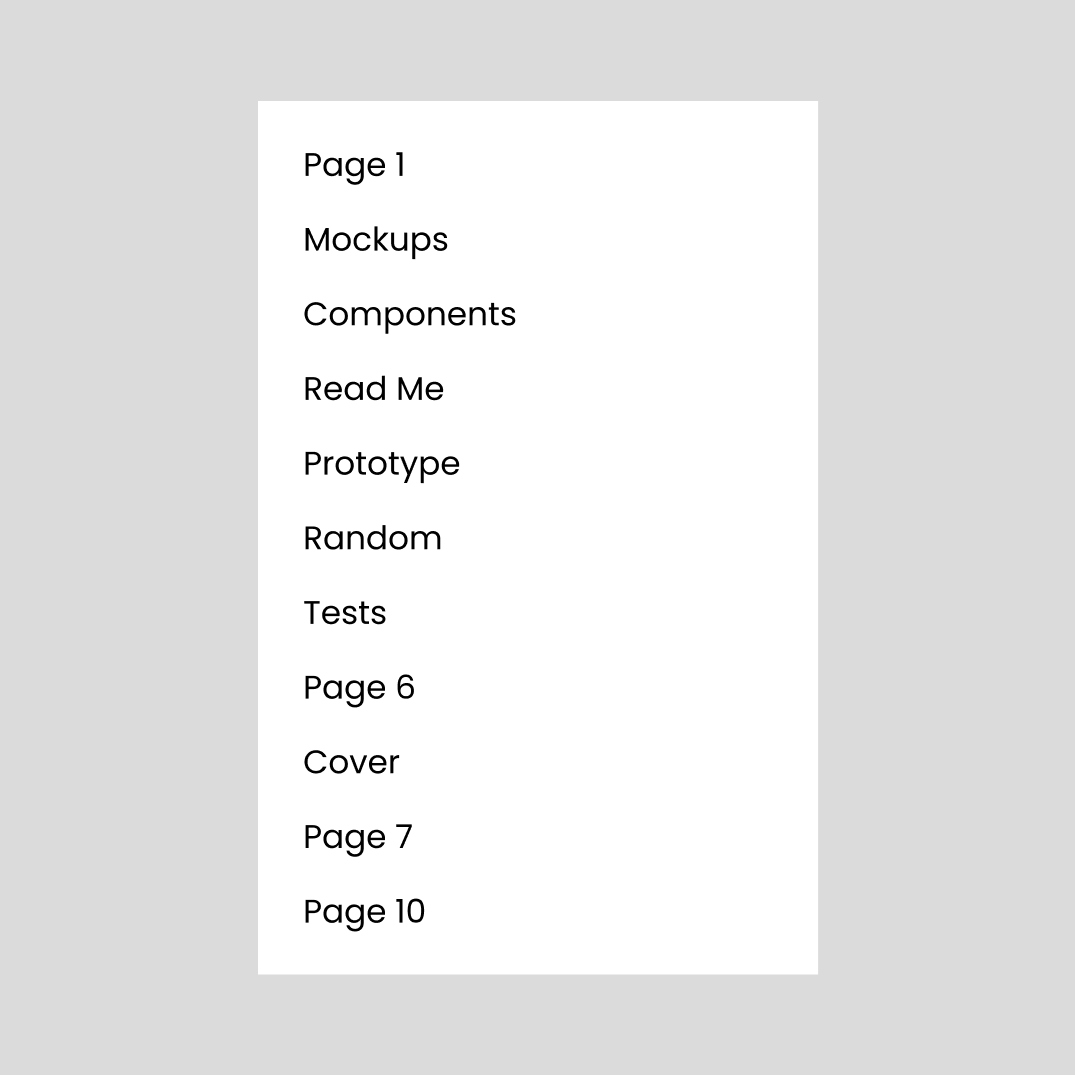
Before
No clear way to navigate through the pages.
Flat structure with no organization.
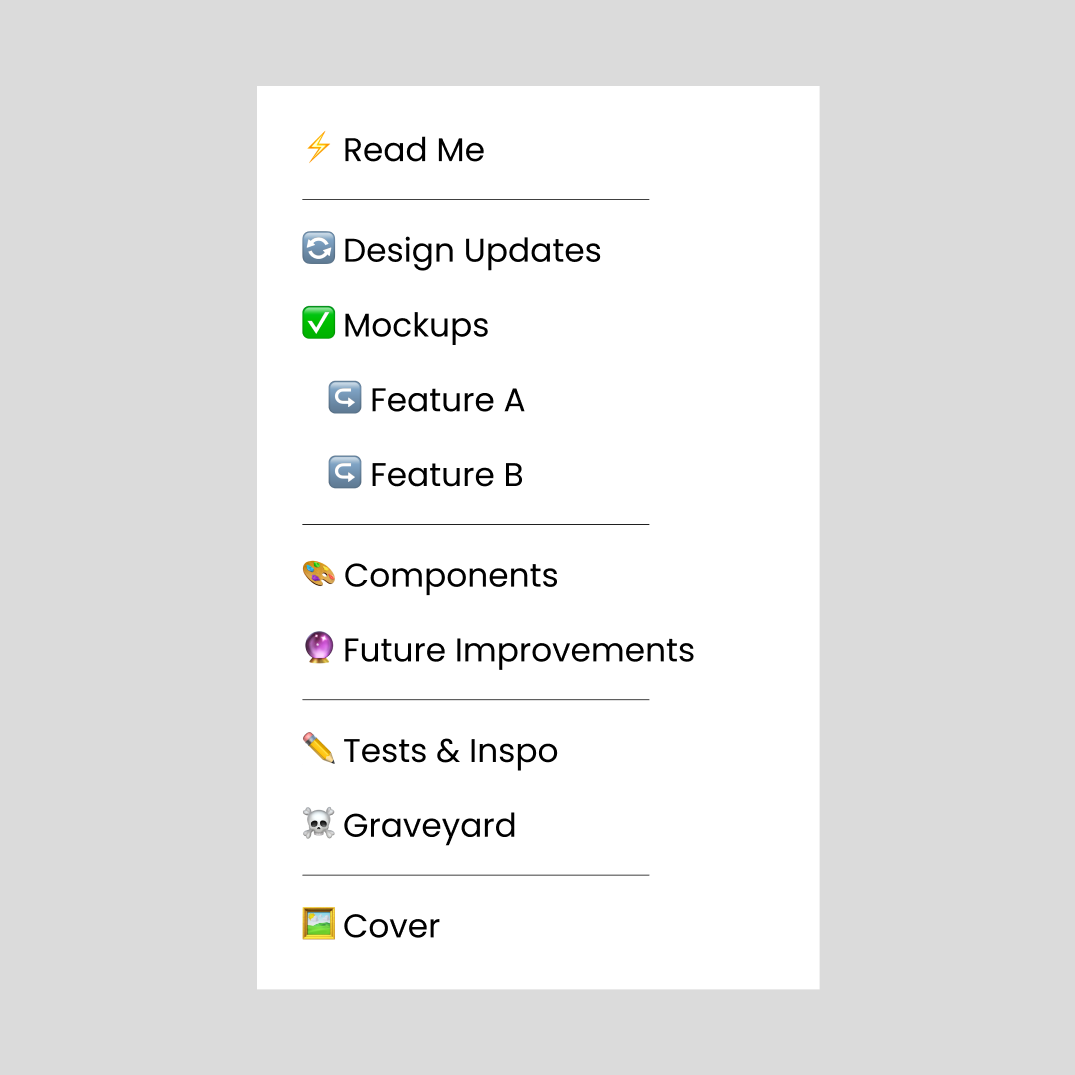
After
Emojis that provide visual clues.
More organized structure with separators and indentend pages.
Let's look at some pages in more detail...
⚡Read Me - Overview, Specs & Changelog
I also dedicated page for documentation. I realized that some design designs and tests were not recorded.
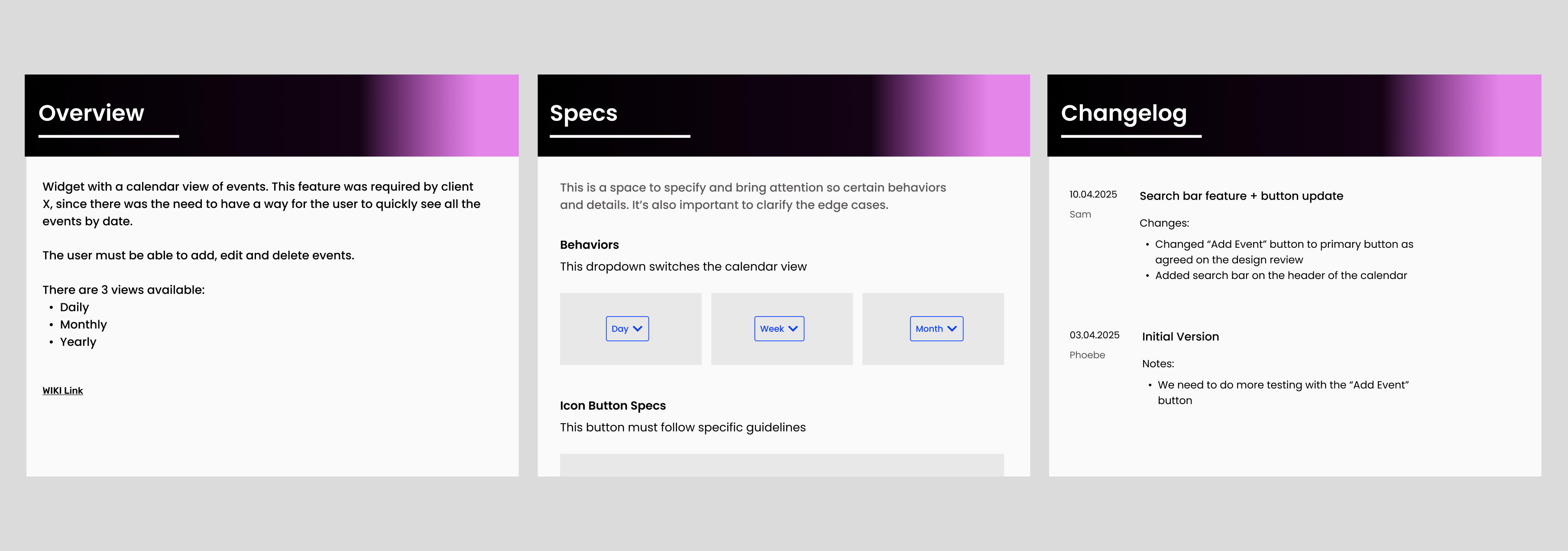
The overview page provides a brief summary of the feature, along with a link for more detailed documentation. The specs page is very helpful to indicate edge cases and other things that might not be as clear from the mockups. The changelog is very important to record any changes and considerations so it can be taken into account in the future
🔮Future Improvements
Any idea that we think would benefit the widget but still don’t have the time or budget for ends up here. This ensures that every idea that pops up during meetings and reviews doesn't get lost.
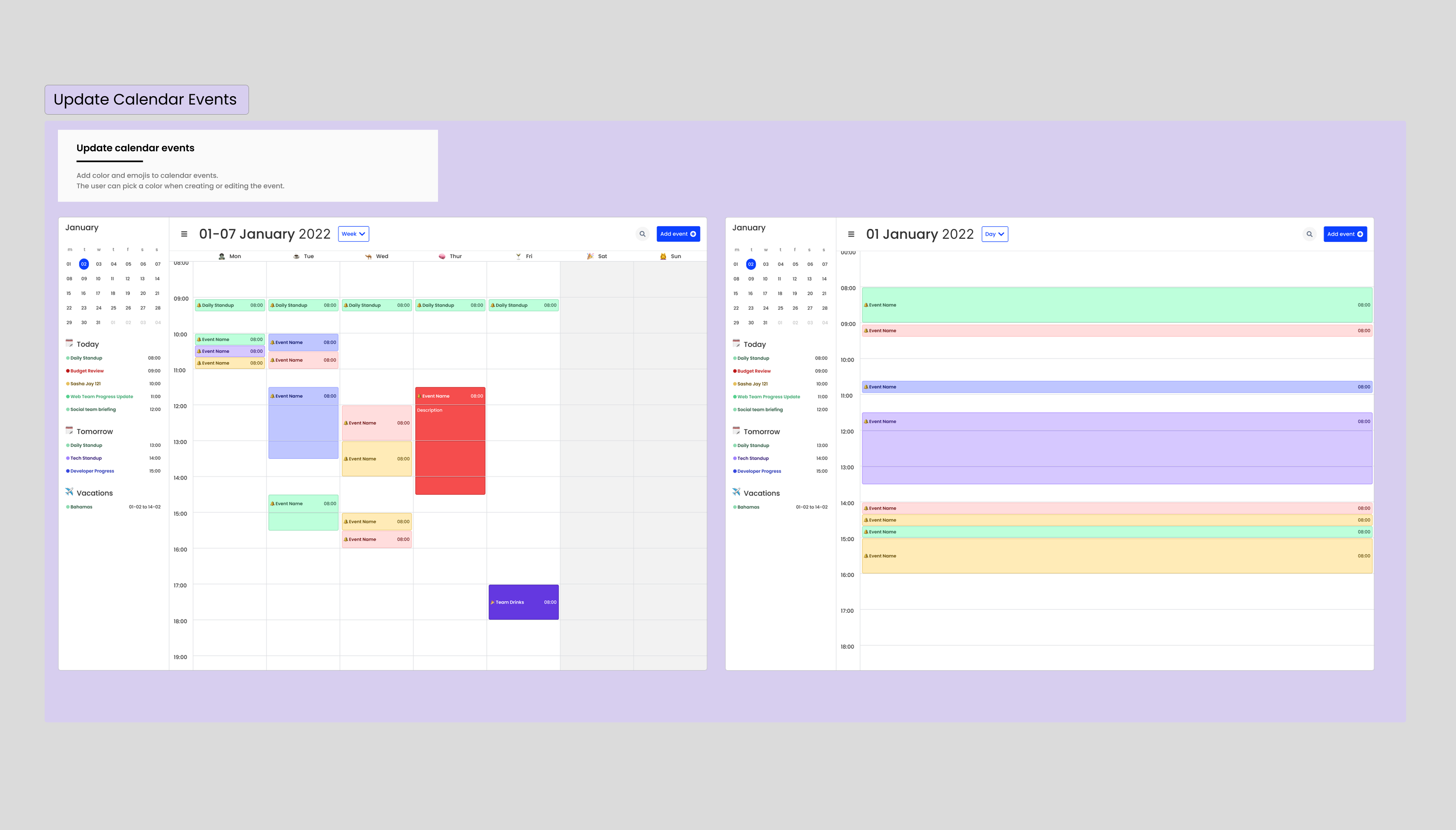
To see an example of my Figma file click here

Component Library
A good foundation is the key to a good platform. Despite having an internal design system at the company, I felt the need to make a component library exclusive to the product.
When working with complex systems, it's absolutely necessary to maximize the consistency the user can focus on the really important details.


Design Process
Design System Adoption
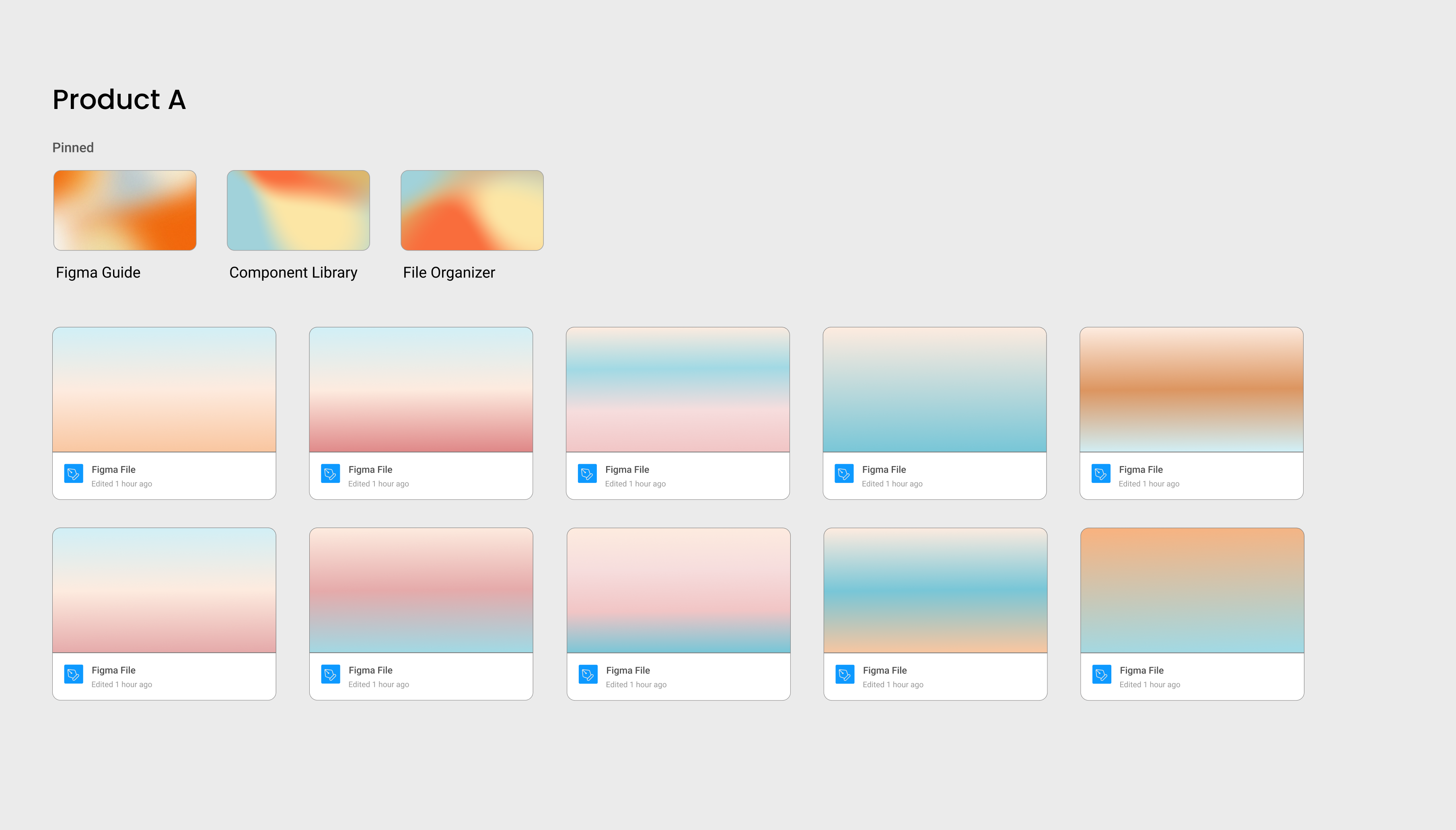
To ensure that everyone felt included in the new structure, I also built a guide on how to use Figma and how to find the pages that have the information relevant to your role.
These pages are pinned to the top of the project, easily accessible to everyone.
Dev Mode Handoff
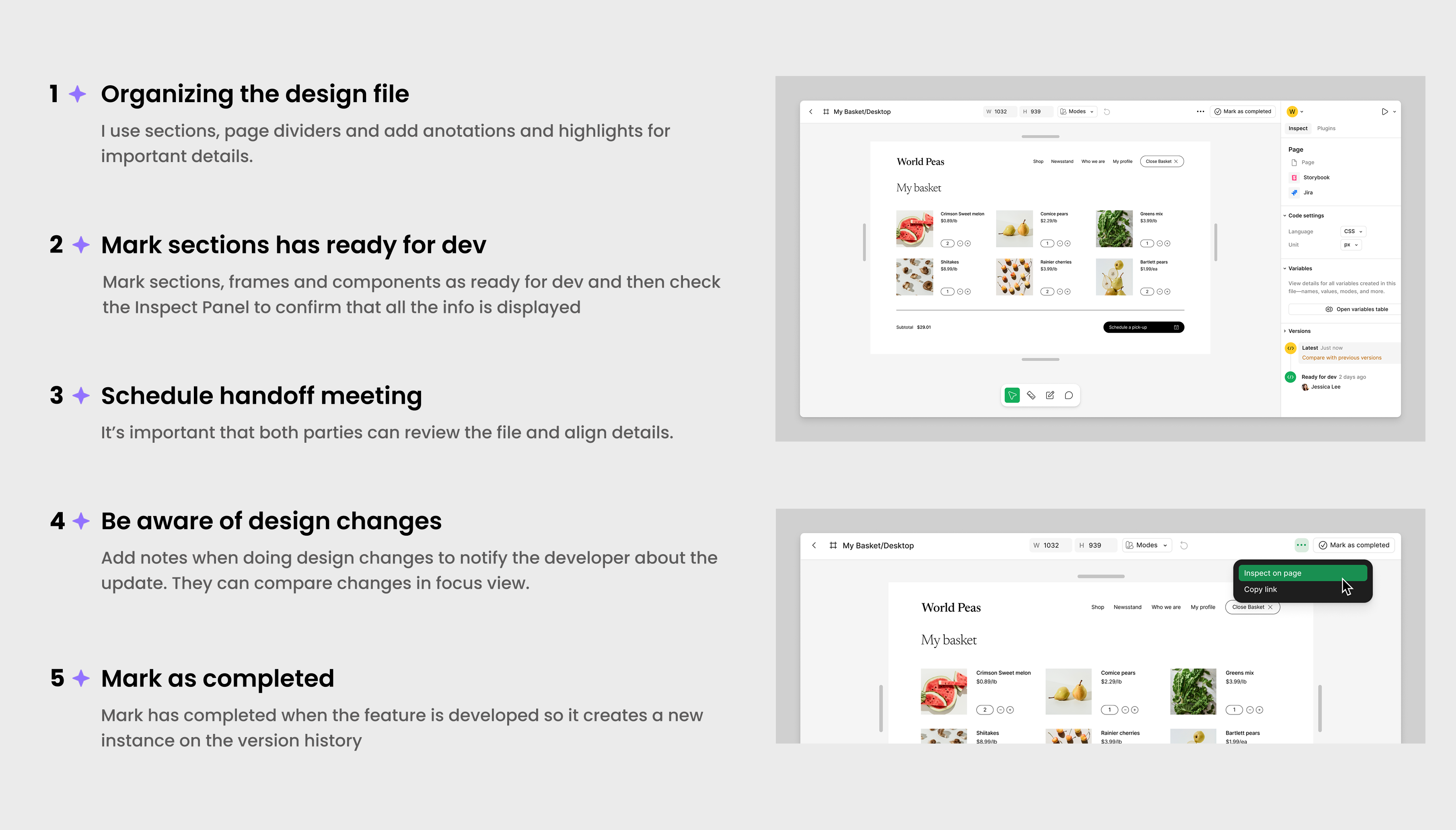
Dev Mode helps maintain the consistency between design and code. It adds structure to the Figma file, improving the communication between designers and developers and making the handoff process more efficient.
Here's how I prepare my Figma files for handoff:
The Results
Overall, I've seen a very positive reception to these changes across different roles and it has been significantly easier to have a base for when we need to deliver features quickly.
Improved the re-usability of code and the consistency of the product's UI.
Faster and more flexible approach when creating documentation, components and guidelines.
Helped the stakeholders when keeping track of changes so they can make more informed decisions.
.png)
Increased the amount of team members using Figma and Dev Mode.